 Roosta
iPhone & Android · 13 missions · no snooze button
Roosta: the alarm app with no snooze button, for waking up early.No snooze.No skip.No way but up.
An alarm you cannot switch off until you finish the mission you chose the night before. Push-ups counted by the camera. A photograph of the bed you just made. 11 more where those came from.







01How it works
An agreement with the version of you that is still awake.
At eleven at night you know what tomorrow needs. At six you will believe anything.
01
Create your alarm
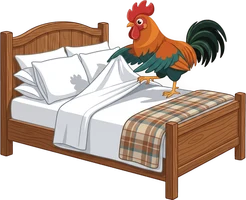
Set the time and pick up to 3 missions. Push-ups, sums, a photo of the sky, the bed you just made.

02
Complete the mission
When it rings, the only way to turn it off is to finish what you chose the night before.
03
Alarm turns off. You are up.
By the time the mission is done you are out of bed and awake.
02The sound
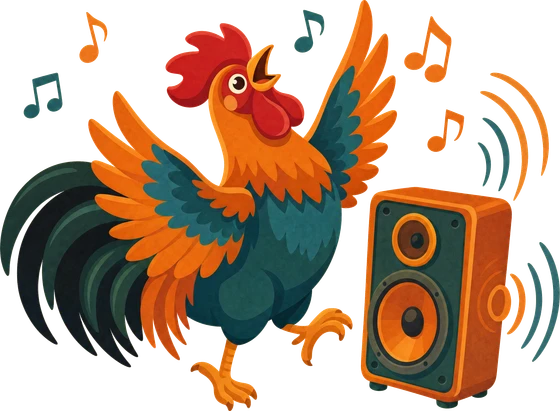
Wake up to your own music, or ours.
Any track from Apple's catalogue, your own file, or one of the 8 sounds we made ourselves — birdsong to siren.
03Lock in
EVERY EXIT
CLOSED.
The alarm has no off switch
No snooze, no skip, nothing that means "trust me". Walk out of the mission and it starts again.
Social apps shut at bedtime
Pick the ones that keep you up. They stay shielded until the morning is claimed.
Alarms and settings freeze
Inside 4 hours you cannot retime it, delete it, or switch the lock off.
Roosta cannot be uninstalled
Optional. Switch it on and the phone refuses to remove any app at all.
04The streak
A streak that keeps you consistent.
It counts the mornings you actually finished, so there is nothing to edit and nothing to fake. 2 misses a week are forgiven — one more and the streak is gone.
05See your progress
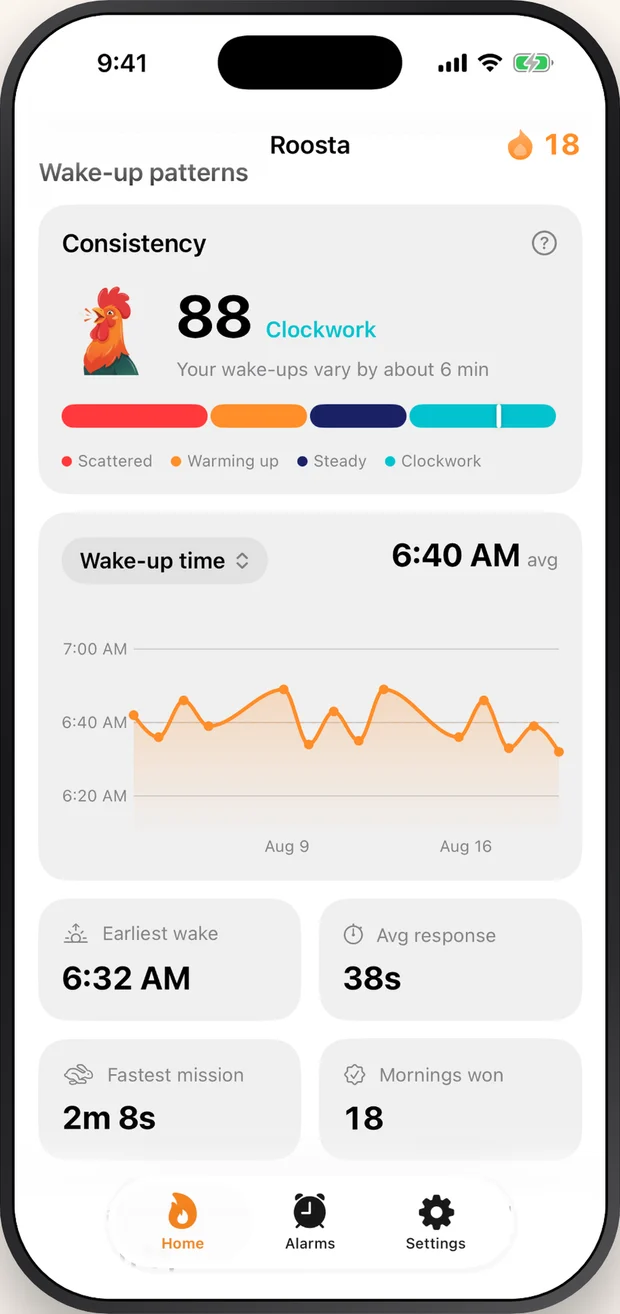
Only what the mornings can prove.
When the morning really ended, and how long the mission took. Both come straight from mornings you actually had — there is no points system to play up to.
Is there really no snooze button?
None. There is no snooze, no skip, and no button that means "I am awake, trust me". The alarm stops when the mission you chose the night before is finished, and there is no other way to stop it.
What does Roosta cost?
Roosta is free to download and needs a subscription to work — there is no limited free mode. It is sold weekly or yearly, and prices are shown in your own currency on the purchase screen before you confirm.
Do my photos or camera footage go anywhere?
No. Reps are counted and photos are checked on your phone, by the phone. Nothing the camera or the microphone captures is uploaded, and nothing is kept once the mission has been judged.
Do I need an account to use Roosta?
Only if you want one. An account exists so your alarms, settings and wake-up history come back on a new phone, and you can delete it and everything in it from inside the app.
What if I cannot get up seven days a week?
Two mornings a week are protected automatically. A morning you sleep through wears a snowflake instead of breaking your streak, the freeze is applied afterwards, and the two reset every Monday.
Is Roosta on Android?
Yes. Roosta is on Google Play as well as the App Store, and one Roosta account carries your alarms and your record between an iPhone and an Android phone.